Before an app opens to everyone on Google Play, a small group uses it for two weeks and tells us what to fix. Pick one below: three steps, and it's on your phone.
Install it, then keep it for 14 days and use it the way you normally would.
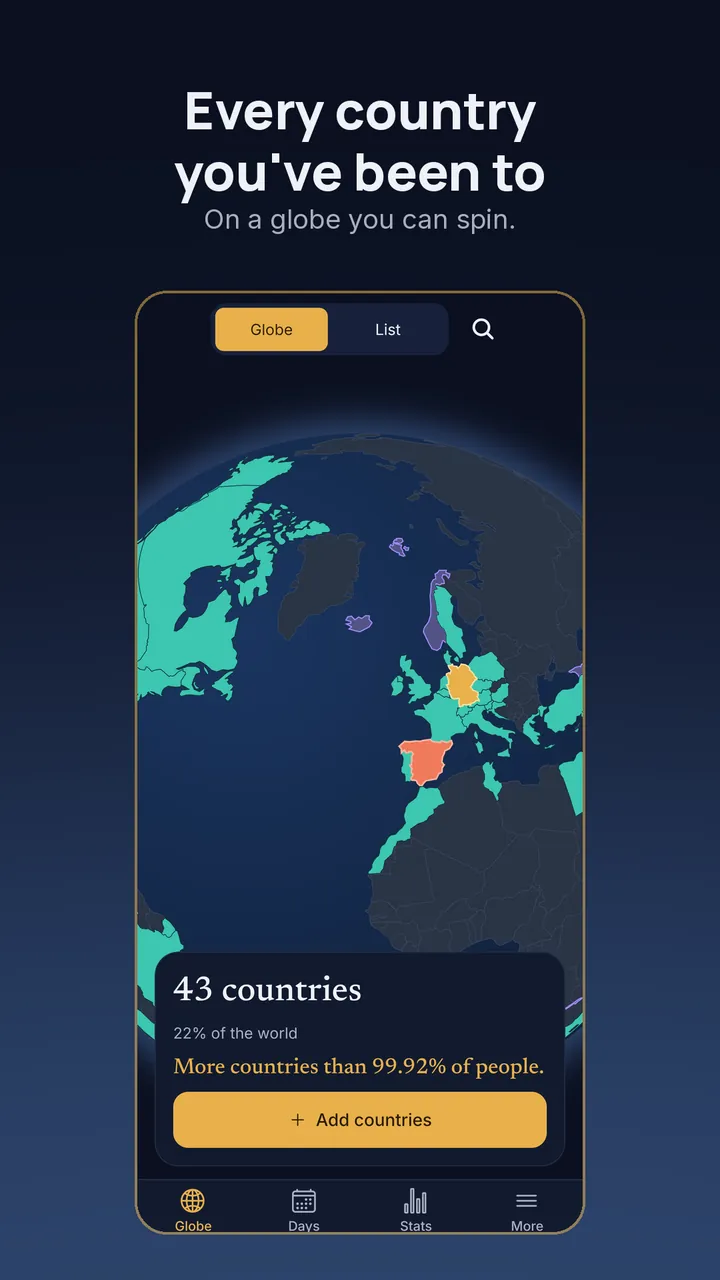
You're testing Globefold. Thank you. Found something wrong? Tell us from the app's Settings, or write to globefold@brightfoldapps.com.
Good to know
Before you join.
Does it cost anything?
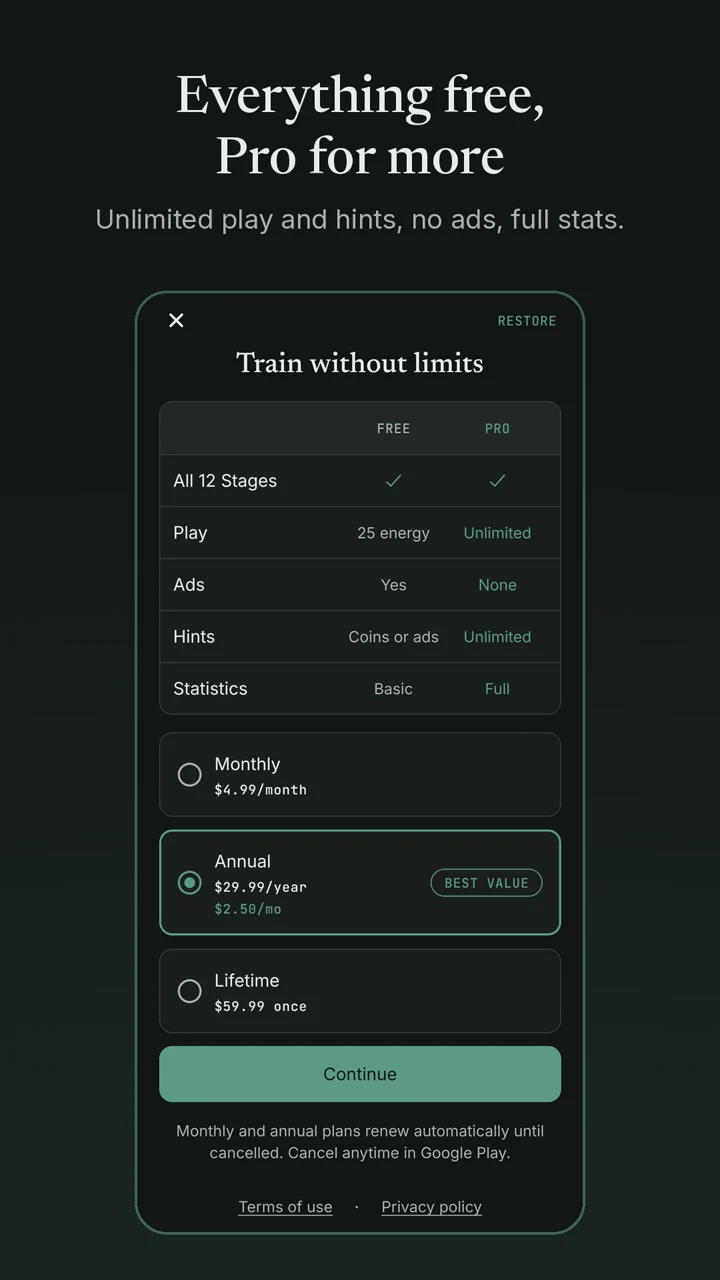
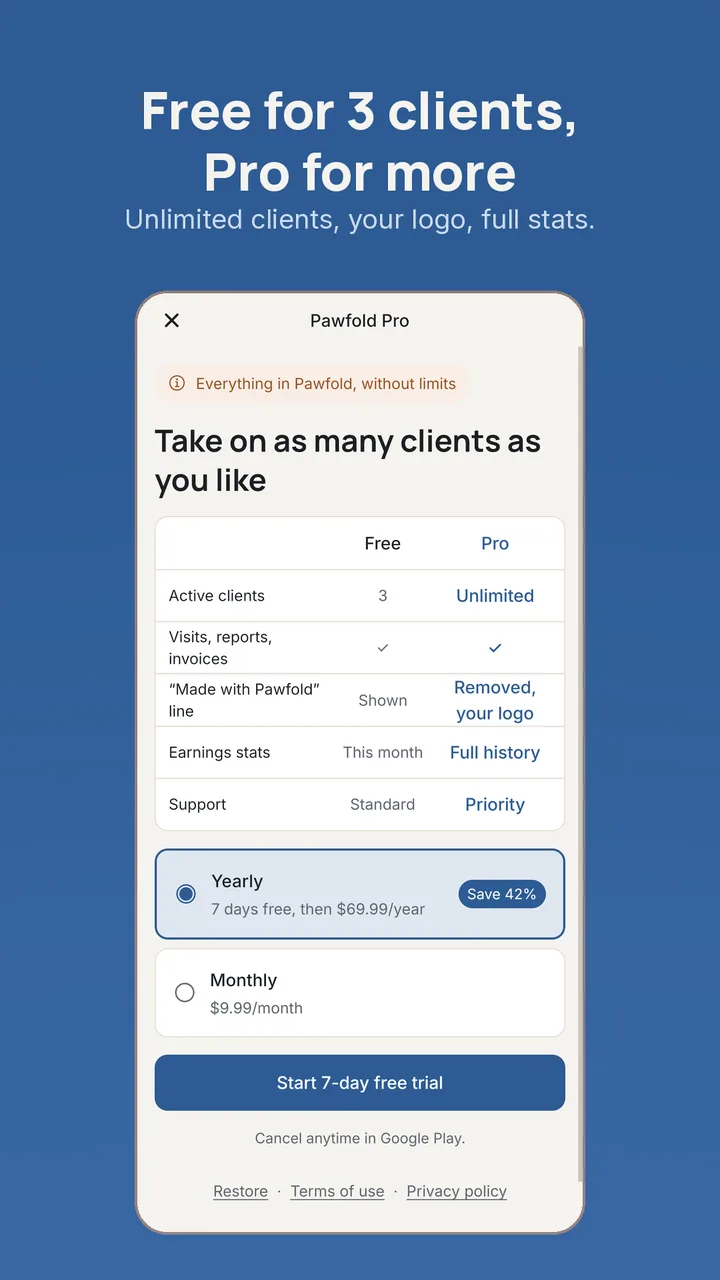
No. Testing is free and you never need to buy anything. If you do buy Pro during a test, it's a real purchase.
The test page says the app isn't available
Check that Google Play is signed in with the account you joined the group with. A new member can take a few minutes to reach Google Play, so try again shortly.
On a computer?
Every step works there too. Sign in with the Google account that's on your phone, and Google Play sends the app to it.
Leaving
Any time. The same Google Play test page has a link to leave the test, and the group page has Leave group. Members never see each other.
What we see
Joining shares your Google account's email address with us, only to let you into the tests. Nobody posts to the group. Website privacy.
iPhone?
Android only for now. iPhone versions come through the App Store. Questions: support@brightfoldapps.com.